
Resources

To Our Valued Customers:
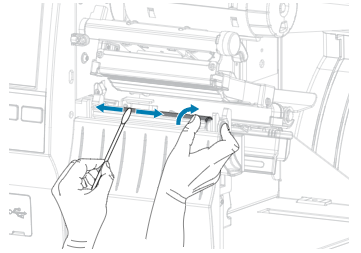
Results of A Dirty Printhead
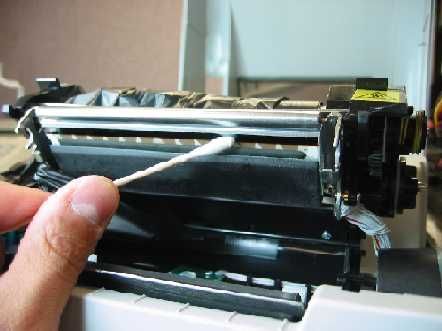
Results of A Dirty Printhead
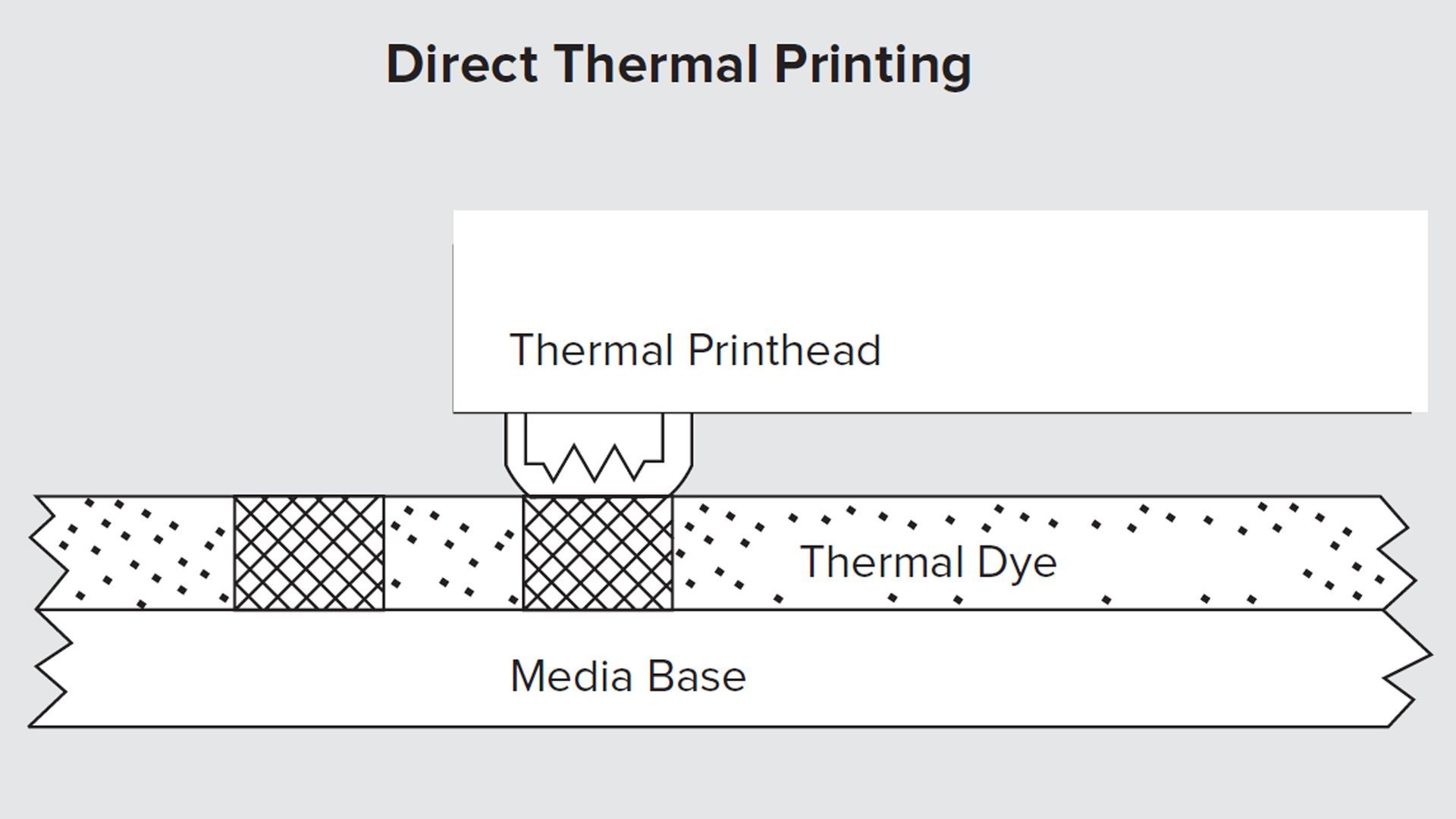
What Is the Difference Between Direct Thermal and Thermal Transfer Printing?

Print Confident. Print Quality. Print Zebra.

We’ve infused the quality and reliability you expect from your G-Series printers, and advanced the legacy with more connectivity, features, performance and security. Be confident that Zebra’s ZD Series is ready to take on the job—and deliver above and beyond.
Yesterday’s technology is no match for today’s challenges

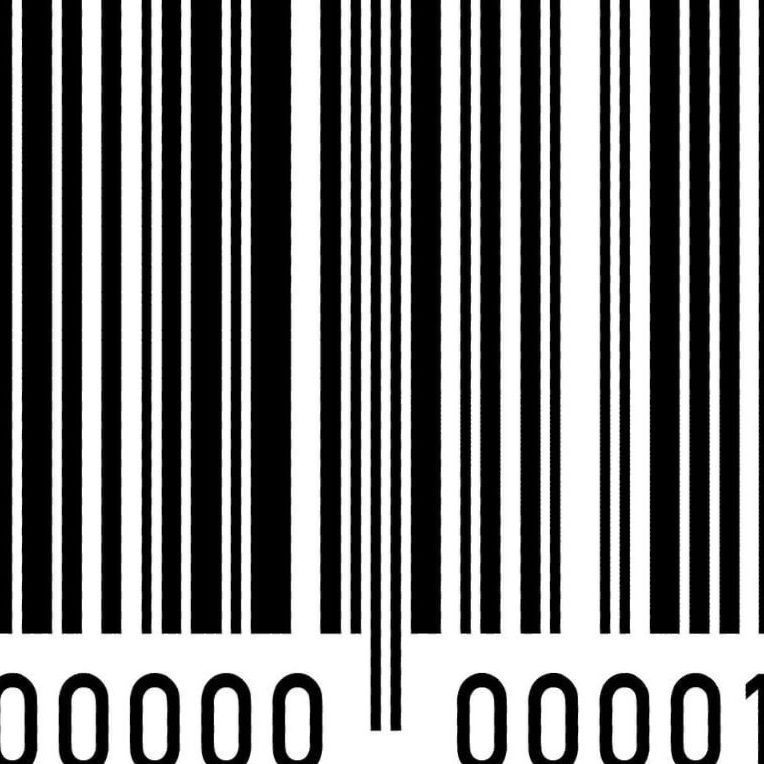
Bar code symbologies differ in the amount of data that can be encoded. Some symbologies (such as UPC) are fixed in length; other symbologies can encode truly variable data. Some bar code symbologies also contain various characteristics to minimize errors, such as self-checking characters, start and stop characters, check digits and error correction characters.

Bar codes offer the simplest, most accurate, cost-effective method of data entry and collection. Compared to manual entry methods which possess an error rate of one in every 300 characters entered bar coding is virtually error-free. With less than one error per one million characters entered, bar coding offers numerous advantages over traditional, manual methods of data entry. Bar codes can be printed at a low cost with a wide variety of printing techniques. Symbols can be scaled to suit particular requirements, can be printed at very high speeds, and can be read by a variety of readily available reading/scanning equipment. Bar codes offer exceptional security, minimize errors and offer highly successful first-time read rates. Scanning a bar code brings speed and productivity improvements, and real-time data interchange (via radio frequency scanning equipment) allows timely information to be accessed almost instantly while the data is still current. Bar codes are frequently printed with human-readable text, which allows for simultaneous automatic and human decoding. Additionally, reduced labor costs, improved organizational productivity and profitability can be realized with the implementation and use of a bar coding system. Any process or procedure that involves manual entry can be made faster and more accurate by using bar codes. Summary: Accurate data collection Faster data entry Real-time collection and dissemination of data More effective use of human and physical resources Elimination of manual data entry/retrieval systems Bar codes typically employ a parallel arrangement of varying-width bars and spaces, arranged in a particular pattern to incorporate data. Both the black bars and white spaces in bar code symbols are used to enter and decode data. While some bar codes use the bar height and/or diameter to incorporate data, linear symbologies are the most common form of bar codes in use today. Linear bar code symbols use a single row of parallel bars and spaces to encode information. The term “Symbology” is a set of rules describing how the data is incorporated into the various arrangements of bars. Symbology refers to the bar code language. Each language has different capabilities, rules and characteristics, much like human language. Scanners are typically programmed to decode one or more different symbologies, and communication cannot occur unless the reading and printing equipment use compatible symbologies (i.e., a scanner programmed to decode Code 39 will not be able to decode Code 128). Bar code symbologies differ in the amount of data that can be encoded. Some symbologies (such as UPC) are fixed in length; other symbologies can encode truly variable data. Some bar code symbologies also contain various characteristics to minimize errors, such as self-checking characters, start and stop characters, check digits and error correction characters.